
The purpose of this page is to provide an in-depth view of stocks at the rack city or terminal level.
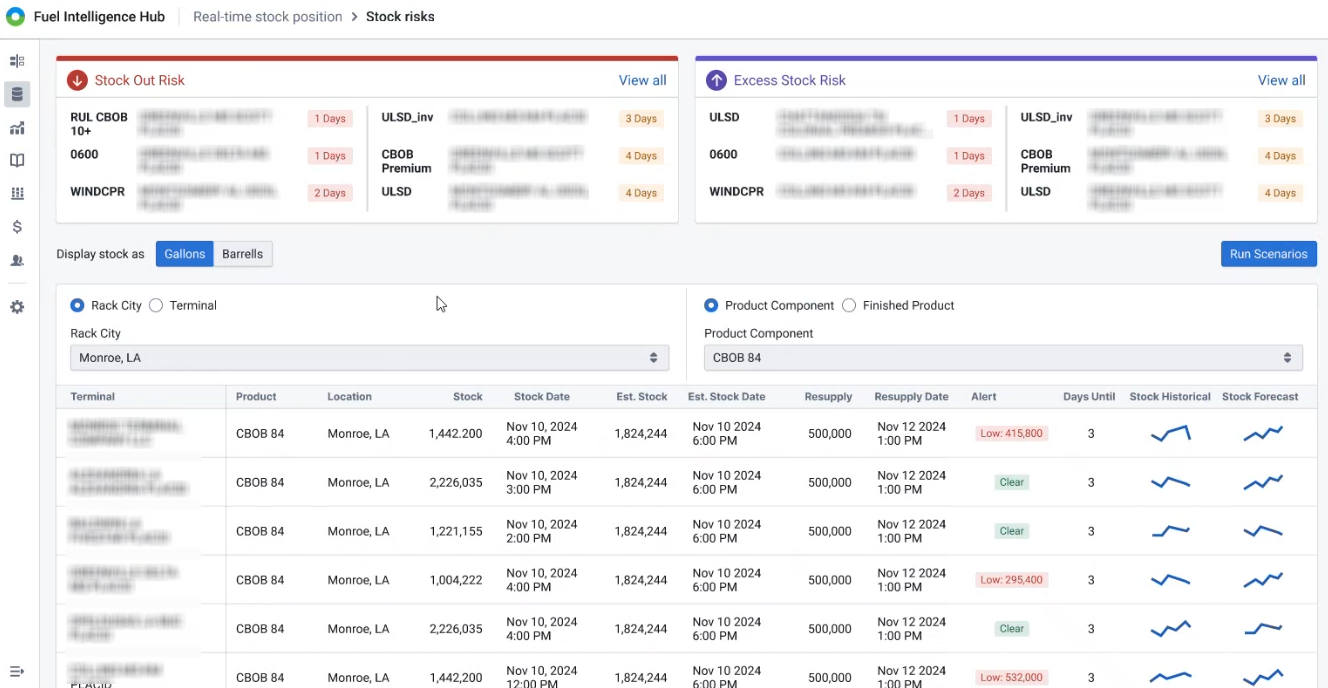
The top sections display your most urgent stock out and excess stock risks and the number of days you have before reaching that level. To view all your risks click View All.
The bottom section displays a list of either your rack city or terminal stocks. The Alert column notifies you of high or low inventory.
In addition to displaying your inventory risks, you can also run scenarios to view how your stock would look in different circumstances. Click Run Scenario to open the Scenario Builder page and find recommendations for avoiding stock out or stock excess situations.